Shopify migration
Romerils: from WordPress to Shopify
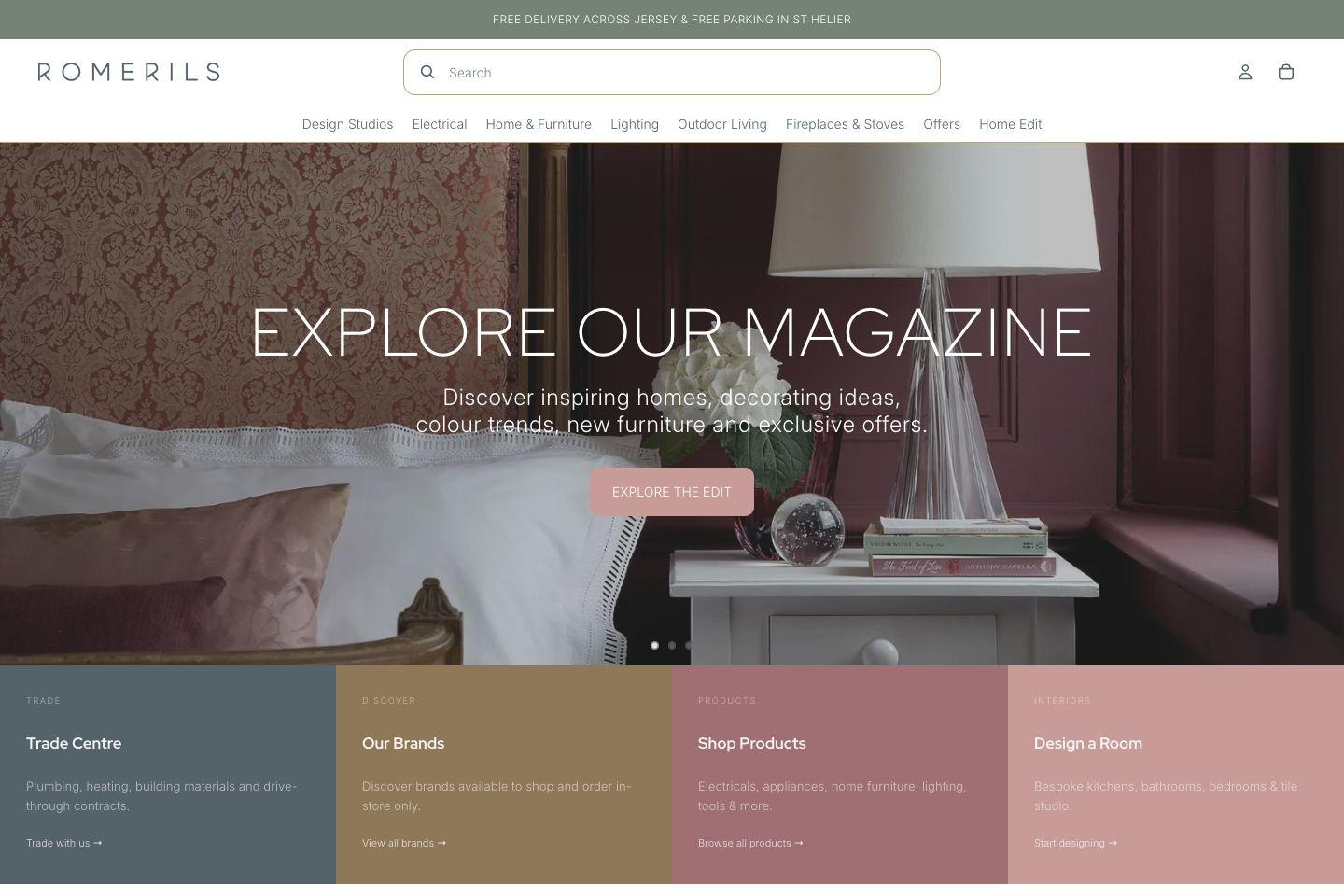
Romerils is Jersey's leading home interiors retailer, selling furniture, lighting, appliances and outdoor living. I moved its online store from WordPress to Shopify, connected it to the systems behind the shop and built the tools staff use to run it.
- Client
- Romerils, Jersey
- Platform
- WordPress and WooCommerce to Shopify
- Website
- romerils.com
The starting point
Over the years the WordPress site had grown to rely on many plugins, custom code, scheduled jobs and hosting settings. Prices and availability came in from a supplier feed, stock came from the shop's own system, and much of the product work was done by hand.
Romerils wanted a platform that was simpler to run, easier to change and connected to the systems behind the shop.
I worked with the team at Romerils and their providers to plan and carry out the move.
How we approached it
- 01
Map what the old site really did
We took a copy of the live site and documented its plugins, custom code, scheduled jobs and product data, so decisions rested on what the site actually did rather than guesswork.
- 02
Launch with what matters
Rather than rebuild every plugin, the first version focused on the catalogue, the main customer journeys, checkout and redirects. Old features came across only where the business still needed them, using Shopify's own features first.
- 03
Rehearse, then switch over
The catalogue moved by scripts that could be run, checked and run again against live data, with every run recorded.
What we built
Store and theme
A customised Shopify theme with Romerils' menus, filters, search and product pages, plus manufacturer content and reviews from their existing providers.
Catalogue and redirects
Products, variants, images, specifications, brands and search data moved across and checked against the old site, with redirects so old links still land in the right place.
Supplier and stock feeds
Scheduled imports keep prices, availability and stock in step with the supplier feed and the shop's stock system, and product feeds go out to partners.
Delivery and finance rules
Which products can be delivered next day or paid for in instalments is worked out automatically and kept up to date as the catalogue changes.
Enquiries and CRM
Customers, orders and product enquiries go straight to the sales team's CRM, so nobody copies them across by hand.
Staff tools in Shopify Admin
Three apps inside Shopify Admin: a dashboard for checking catalogue data, an integrations app showing every job and its results, and a handbook explaining how the store is set up.
Built to be looked after
The feeds run as scheduled jobs that retry when a service is down, keep a record of every run and email when something needs a person. Staff can see each job's results in Shopify Admin, and the handbook explains which fields the jobs update, so a manual edit doesn't get overwritten by surprise. I provide ongoing support and advice, and add new features as the business needs them.